Settings
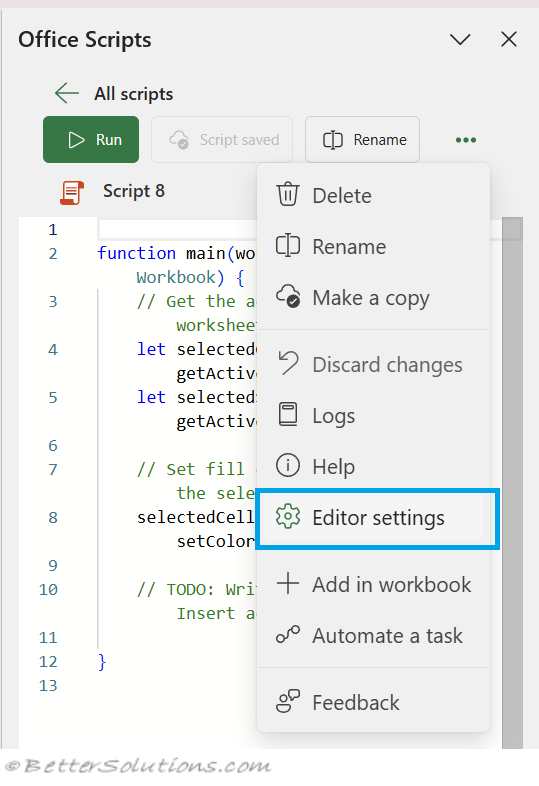
You can access the editor settings by clicking on the three dots and selecting Editor Settings.
 |
Editor Settings
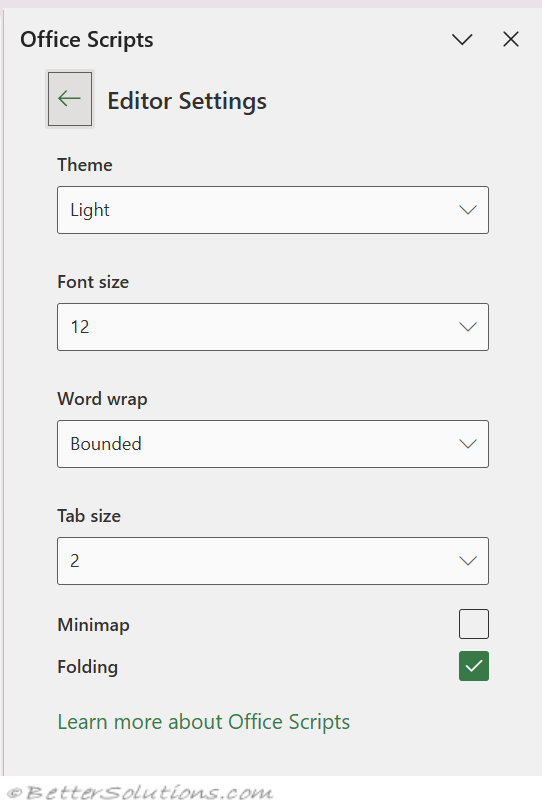 |
Theme - (default it Light) A choice between Light, Dark, Office, High Contrast Dark and High Contrast Light
Font size - Adjusts the size of the text.
Word wrap - Wrap long lines instead of horizontal scrolling.
Tab size - (default is 2) Can be either 2 or 4.
Minimap - Toggle the right-hand code overview map.
Folding - (default is ticked) This applies automatic folding for block structures.
© 2026 Better Solutions Limited. All Rights Reserved. © 2026 Better Solutions Limited TopPrevNext