Code Task Pane
The Code task pane lets you access and organise your code snippets and code samples.
Press the Code button on the Ribbon to display the Code task pane.
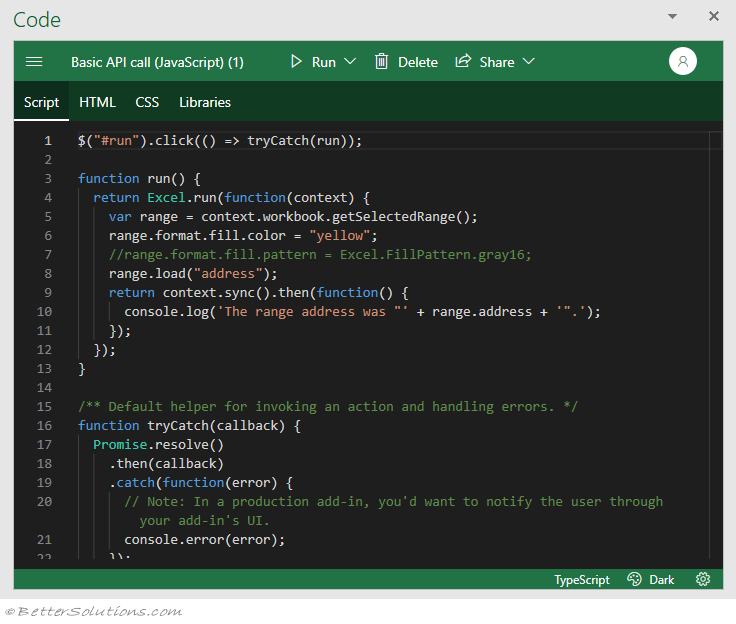
Menu - (Hamburger Button) Toggles between the Code Editor window and the [[Samples]] window.
Title - Displays the description of the active snippet. Pressing will display an Info window with the full Name and Description.
Run - This drop-down displays the commands: Run in this pane or Run side-by-side
Delete - Removes the snippet from your local browser cache. You will be asked to confirm the deletion.
Share - This drop-down displays the commands: New public gist, New secret gist and Copy to clipboard.
User - If you are not logged into GitHub then
 |
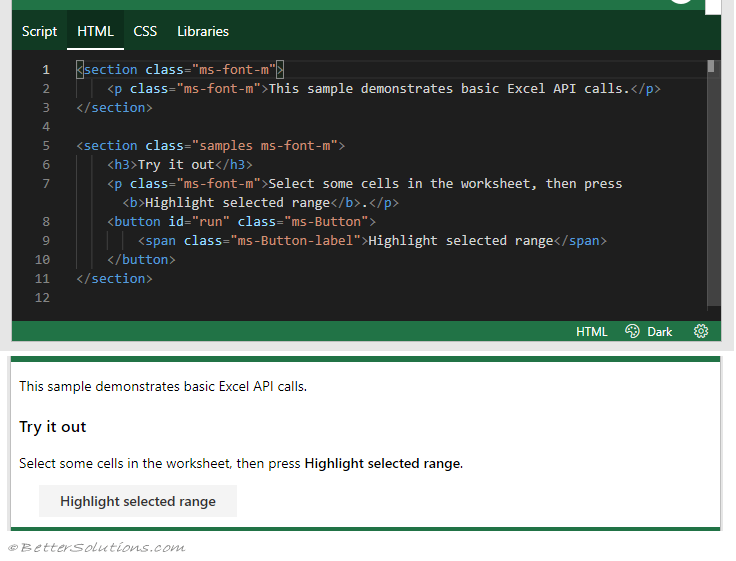
HTML Tab
This tab displays the HTML tags for the corresponding sample and can be easily edited.
 |
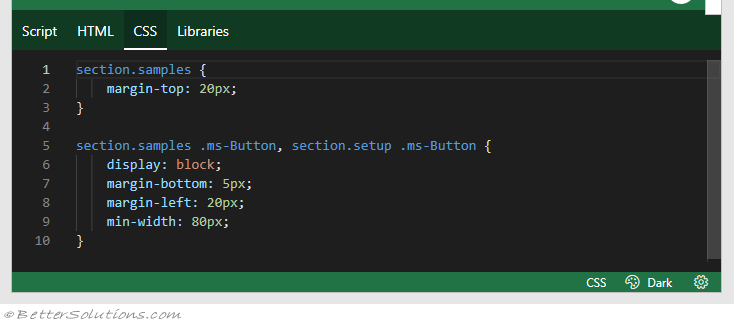
CSS Tab
This tab displays the CSS information for the corresponding sample and can be easily edited.
 |
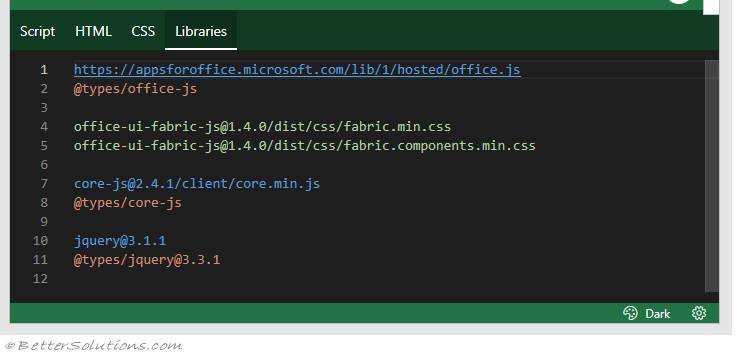
Libraries Tab
This tab displays the necessary dependencies and npm packages.
 |
Status Bar
The status bar along the bottom displays useful information.
 |
Language - This tells you whether the code sample contains JavaScript or TypeScript syntax.
Theme - There are a choice of three different themes: Dark, Light and High Contrast.
Settings - This displays the [[Settings]] window.
© 2026 Better Solutions Limited. All Rights Reserved. © 2026 Better Solutions Limited TopPrevNext