Installation
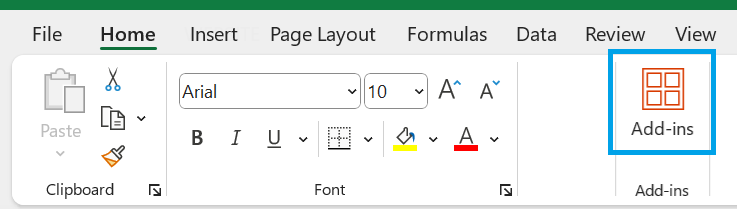
On the Home tab, find the Add-ins group and press the Add-ins button.
 |
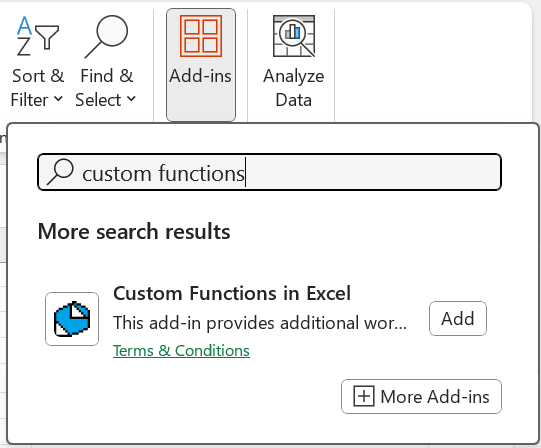
In the search bar type "custom functions".
You will see our add-in displayed in the list.
 |
If you select the add-in you will see the following information.
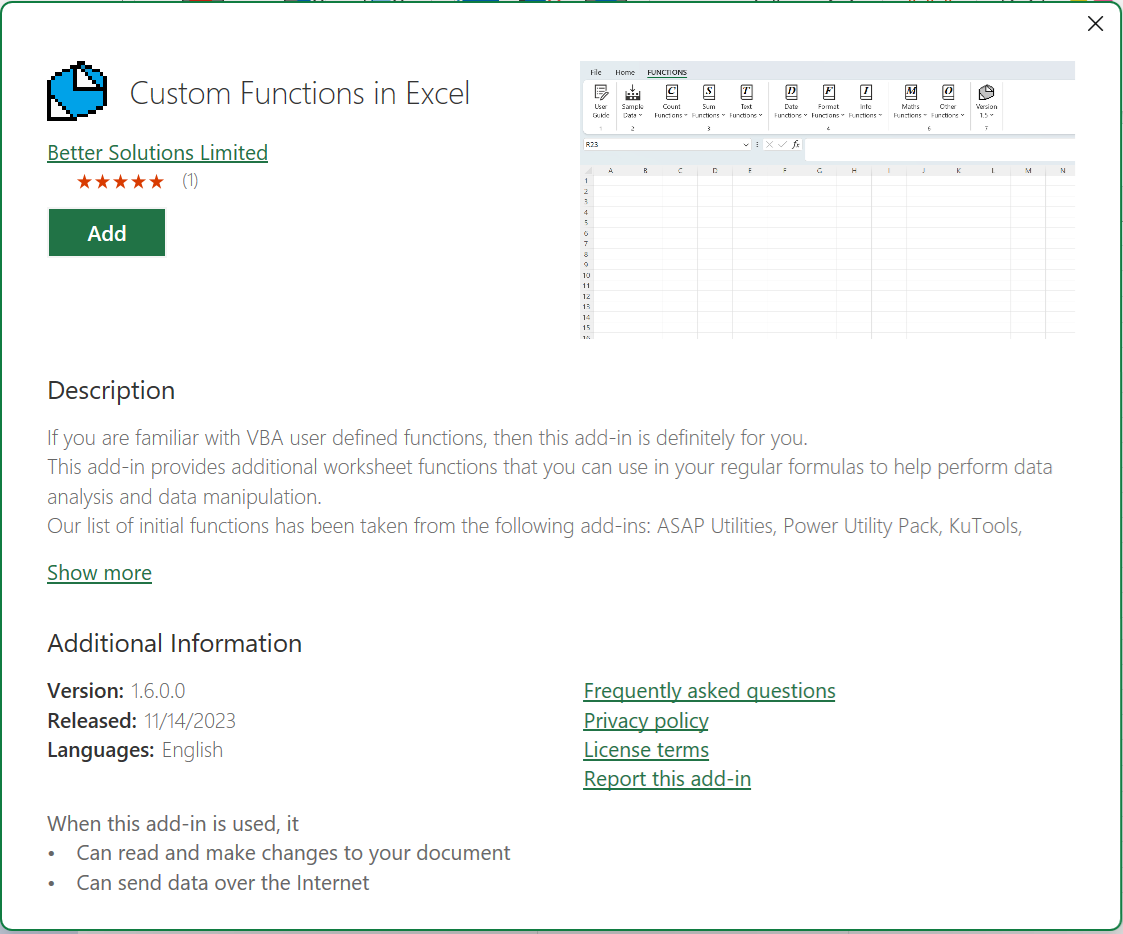 |
Press the Add button.
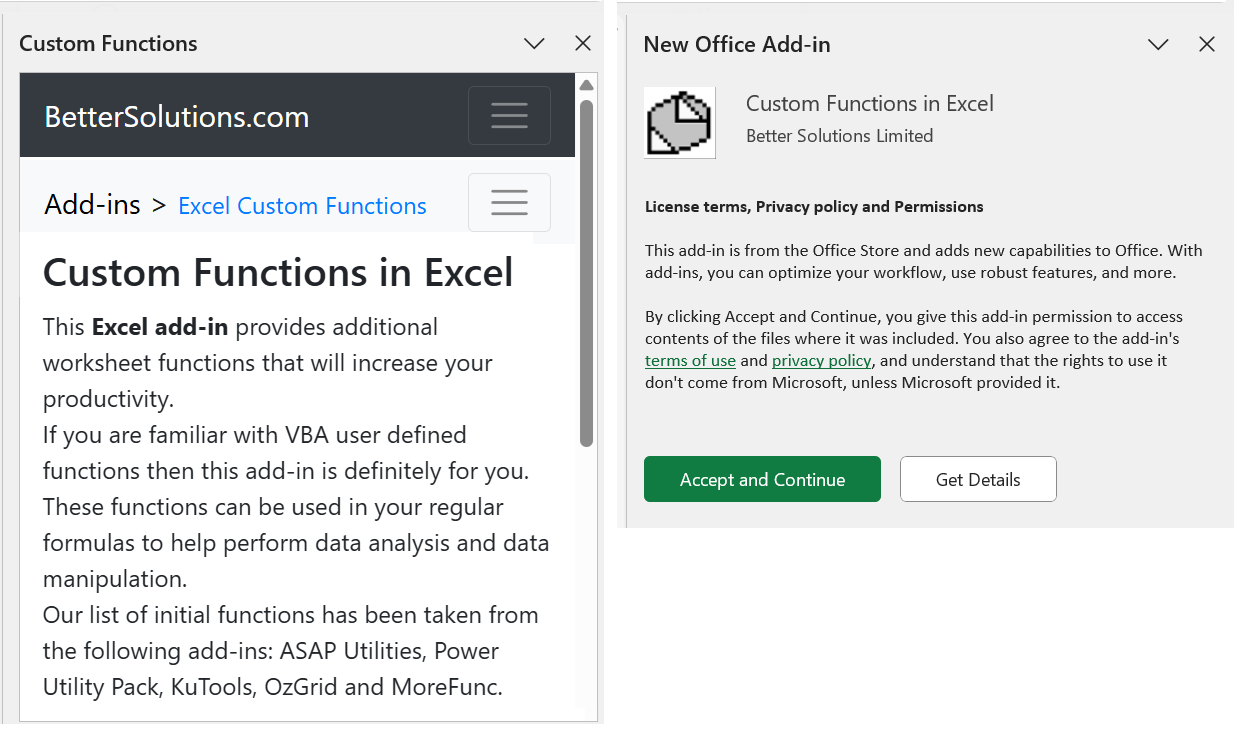
A task pane will appear asking you to accept and continue.
Another task pane will also appear to provide easy access to the user guide.
 |
An additional tab called "FUNCTIONS" will appear at the end of your ribbon.
 |
Deployment Methods
Just For Me - Save the manifest on your C drive in a local folder and add that folder as a trusted add-in catalog.
For My Team - Save the manifest to a shared network folder and add that folder as a trusted add-in catalog.
The Department - Send the manifest file to your IT Admin and using the 365 Admin Center ask them to add it to integerated apps.
Compliance Check
Modern office web add-ins run inside a sandboxed environment inside the Office application and cannot access your local operating system or network infrastructure.
This add-in will not trigger any IT alerts because there are no installation files (.exe .dll).
It does not require any admin or elevated permissions to run.
All the data and processing that this add-in uses or formats never leaves the application memory cache.
We have no visibility on any of this, meaning your information is 100%.
© 2026 Better Solutions Limited. All Rights Reserved. © 2026 Better Solutions Limited TopPrevNext